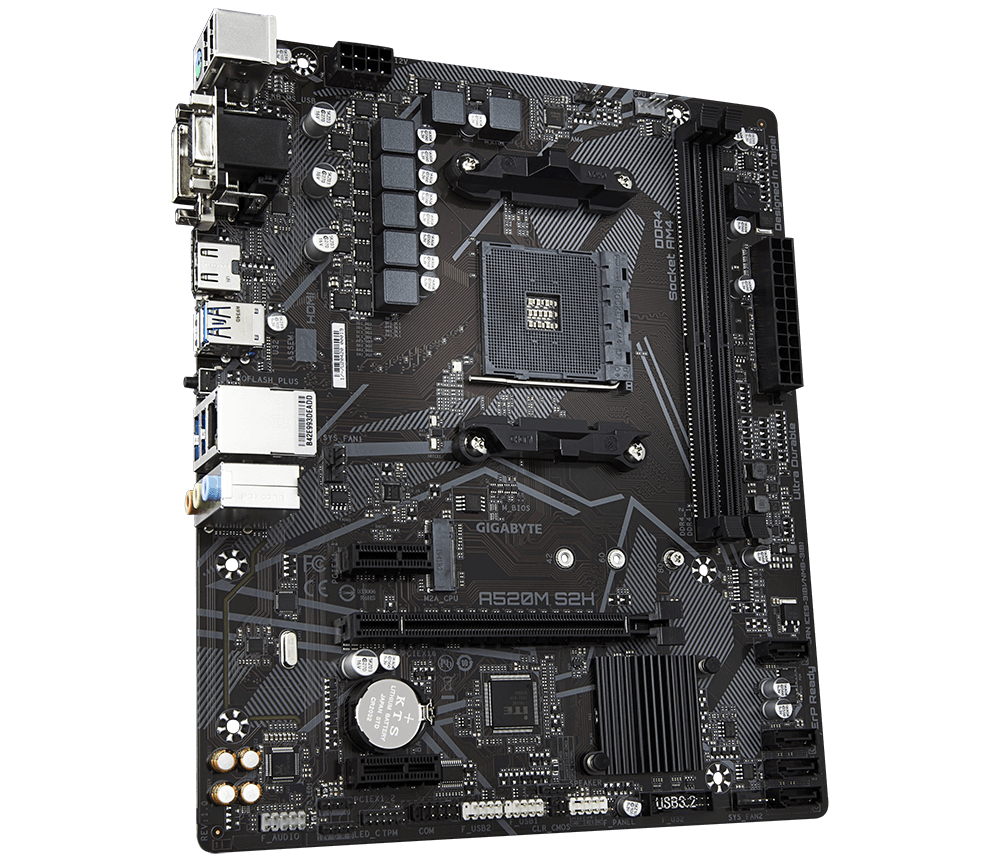
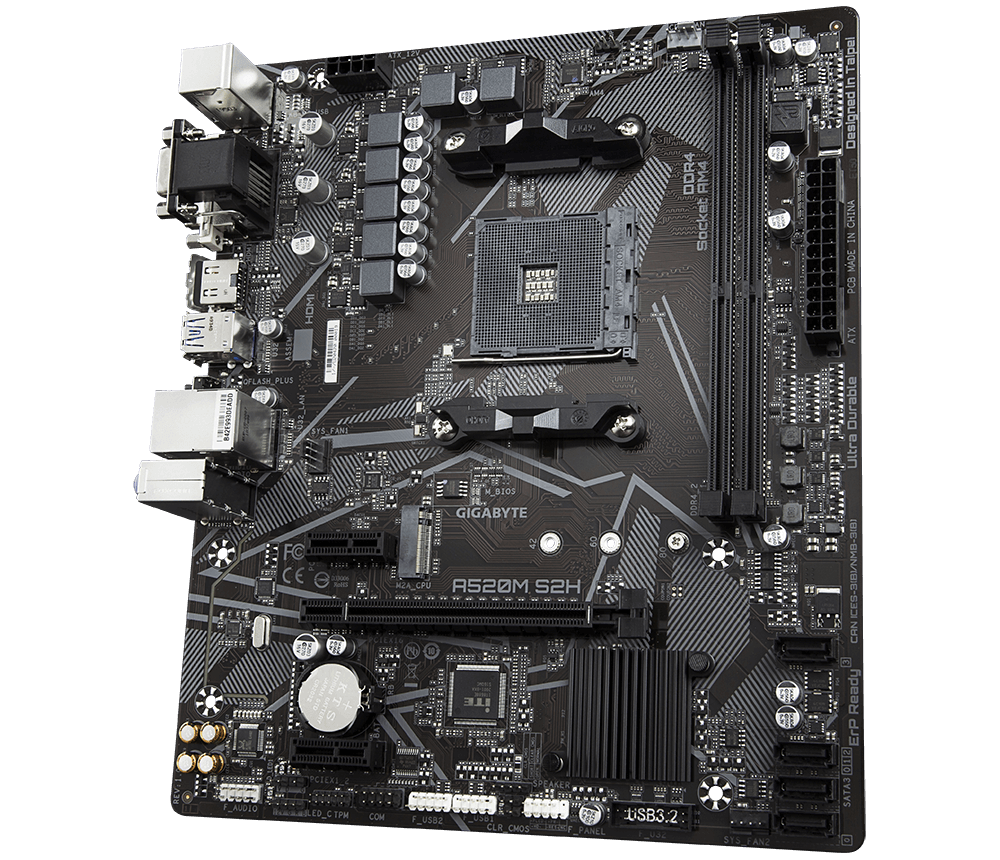
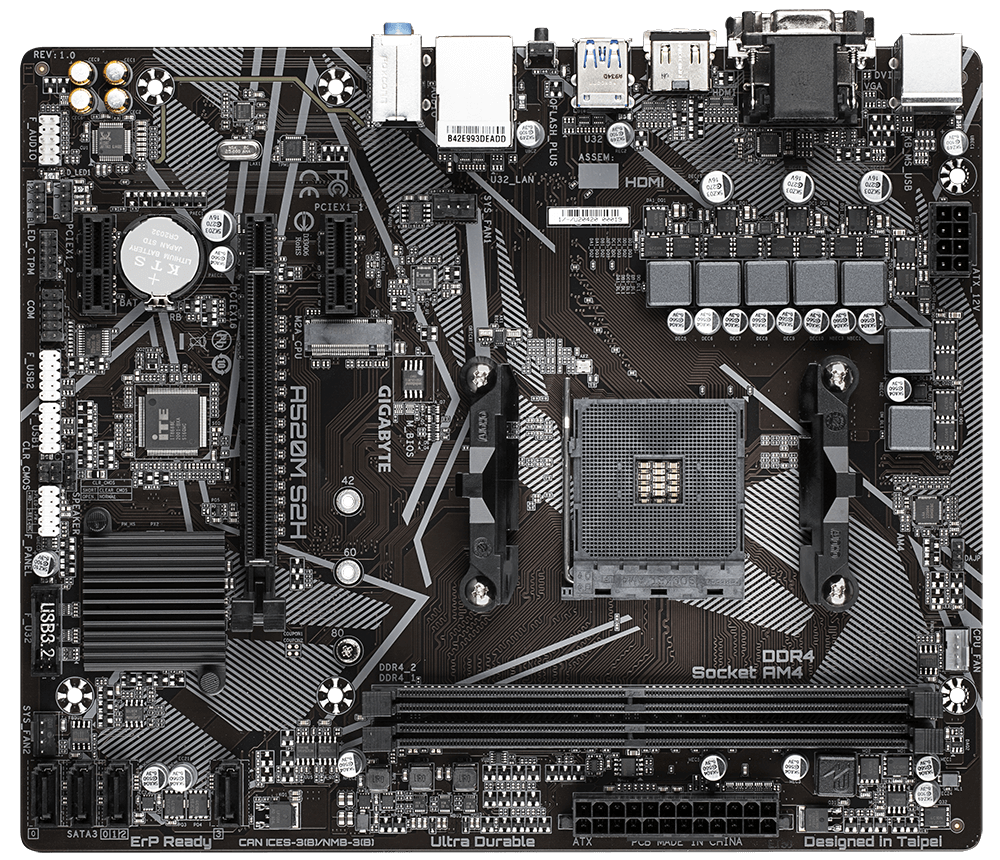
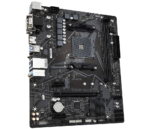
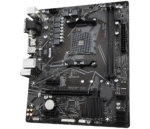
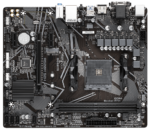
Gigabyte ATX Motherboard A520M S2H AMD AM4 Micro
10,310.00 ৳ Original price was: 10,310.00 ৳ .9,300.00 ৳ Current price is: 9,300.00 ৳ .
Key Features
Model: Gigabyte A520M S2H Ultra Durable
AMD Ryzen 5000/4000G Series & AMD Ryzen 3rd Generation Processors
Ultra-Fast NVMe PCIe 3.0 x4 M.2
Smart Fan 5 Features
4+3 Phases Pure Digital VRM Solution
Specification and Description
Specification
| Basic Information
Brand                 Gigabyte |
||
| Supported CPU | AMD Ryzen 5000/4000 G Series & AMD Ryzen 3rd Generation Processors | |
| Chipset | AMD A520 | |
| BIOS | 1 x 128 Mbit flash
Use of licensed AMI UEFI BIOS PnP 1.0a, DMI 2.7, WfM 2.0, SM BIOS 2.7, ACPI 5.0 |
|
| Form Factor | Micro ATX Form Factor; 24.4cm x 20.5cm | |
| Expansion Slots | ||
| PCI | CPU:
1 x PCI Express x16 slot, supporting PCIe 3.0 and running at x16 Chipset: 2 x PCI Express x1 slots, supporting PCIe 3.0 |
|
| M.2 Socket | 1 x M.2 connector (Socket 3, M key, type 2242/2260/2280 SATA and PCIe 3.0 x4/x2 SSD support) | |
| Memory | ||
| Slots | 2 x DDR4 DIMM | |
| Type | Dual channel memory architecture | |
| Supported Memory | 3rd Gen AMD Ryzen Processors:
Support for DDR4 5000(O.C.) / 4866(O.C.) / 4600(O.C.) / 4400(O.C.) / 4000(O.C.) / 3600(O.C.) / 3333(O.C.) / 3200 / 2933 / 2667 / 2400 / 2133 MHz memory modules 3rd Gen AMD Ryzen with Radeon Graphics processors: Support for DDR4 5000(O.C.) / 4866(O.C.) / 4600(O.C.) / 4400(O.C.) / 4000(O.C.) / 3600(O.C.) / 3333(O.C.) / 3200 / 2933 / 2667 / 2400 / 2133 MHz memory modules |
|
| Maximum Memory | 64 GB | |
| Graphics | ||
| Graphics | Integrated in the 3rd Generation AMD Ryzen with Radeon Graphics processors:
1 x D-Sub port, supporting a maximum resolution of 1920×1200@60 Hz 1 x DVI-D port, supporting a maximum resolution of 1920×1200@60 Hz 1 x HDMI port, supporting a maximum resolution of 4096×2160@60 Hz |
|
| Max Shared Memory | 16 GB | |
| Connector & Ports | ||
| D-Sub (s) | 1 x D-Sub port, supporting a maximum resolution of 1920×1200@60 Hz | |
| HDMI | 1 x HDMI port, supporting a maximum resolution of 4096×2160@60 Hz | |
| DVI-D (s) | 1 x DVI-D port, supporting a maximum resolution of 1920×1200@60 Hz | |
| USB (s) | CPU:
4 x USB 3.2 Gen 1 ports on the back panel Chipset: 2 x USB 3.2 Gen 1 ports available through the internal USB header 6 x USB 2.0/1.1 ports (2 ports on the back panel, 4 ports available through the internal USB headers) |
|
| LAN Port (s) | Realtek GbE LAN chip (1000 Mbit/100 Mbit) | |
| Supported Storage | CPU:
1 x M.2 connector (Socket 3, M key, type 2242/2260/2280 SATA and PCIe 3.0 x4/x2 SSD support) Chipset: 4 x SATA 6Gb/s connectors Support for RAID 0, RAID 1, and RAID 10 |
|
| Audio | Realtek ALC887 codec
High-Definition Audio 2/4/5.1/7.1-channel |
|
| Internal I/O Ports | 1 x 24-pin ATX main power connector
1 x 8-pin ATX 12V power connector 1 x CPU fan header 2 x system fan headers 1 x addressable LED strip header 1 x RGB LED strip header 1 x M.2 Socket 3 connector 4 x SATA 6Gb/s connectors 1 x front panel header 1 x front panel audio header 1 x USB 3.2 Gen 1 header 2 x USB 2.0/1.1 headers 1 x serial port header 1 x speaker header 1 x chassis intrusion header 1 x Clear CMOS jumper |
|
| TPM (Trusted Platform Module ) | 1 x Trusted Platform Module (TPM) header (2×6 pin, for the GC-TPM2.0_S module only) | |
| Others | ||
| Special Features | Support for APP Center
@BIOS EasyTune Fast Boot Game Boost ON/OFF Charge RGB Fusion Smart Backup System Information Viewer Support for Q-Flash Plus Support for Q-Flash Support for Xpress Install Support for Q-Flash Support for Xpress Install |
|
| Bundled Software | Support for Windows 10 64-bit | |
| Warranty Information | ||
| Manufacturing Warranty | 03 years | |

Description
Gigabyte A520M S2H AMD AM4 Micro ATX Motherboard
GIGABYTE UD series motherboards use a 4+3 phases pure digital PWM + Low RDS (on) MOSFETs design to support the 3rd Gen AMD Ryzen CPUs by offering incredible precision in delivering power to the motherboard’s most power-hungry and energy-sensitive components as well as delivering enhanced system performance and ultimate hardware scalability. GIGABYTE Motherboards are focused on delivering M.2 technology to enthusiasts who want to maximize their system’s potential. Realtek 8118 LAN is a high-performance and friendly network chip for gaming players with automatic bandwidth allocation to ensure the highest network priority of the game or application. It can provide users with the most comprehensive features and the fastest and smoothest Internet experience. It can provide users with the most comprehensive features and the fastest and smoothest Internet experience. Realtek 8118 LAN is a high-performance and friendly network chip for gaming players with automatic bandwidth allocation to ensure the highest network priority of the game or application. GIGABYTE motherboards use high-end audio capacitors. These high-quality capacitors help deliver high-resolution and high-fidelity audio to provide the most realistic sound effects for gamers. GIGABYTE motherboards feature an audio noise guard that essentially separates the board’s sensitive analog audio components from potential noise pollution at the PCB level. With Smart Fan, 5 users can ensure that their gaming PC can maintain its performance while staying cool. Smart Fan 5 allows users to interchange their fan headers to reflect different thermal sensors at different locations on the motherboard. Not only that, with Smart Fan, but 5 more hybrid fan headers that support both PWM and Voltage mode fans have also been introduced to make the motherboard more liquid cooling friendly. Achieve fan silence. With Fan Stop, map any fan to stop completely when temperatures drop below a specified threshold. Which fan stops, based on readings from which sensor, and at what temperature, all of it can be customized to your liking. With GIGABYTE Q-Flash Plus, you don’t need to install the CPU, memory, and graphics card or enter the BIOS menu to flash the BIOS. Just download and save a new BIOS file (rename to gigabyte.bin) on the USB flash drive, then press the dedicated Q-Flash Plus button, and you are good to go! The BIOS is essential for users during the initial setup to allow for the most optimal settings. With a new GUI and easier-to-use functionalities, GIGABYTE has been able to reinvent the BIOS to give users a better experience while setting up their new system.
Customer Reviews
Related Products
Ailink Aluminium Connector (Copy)
In stock
1STPLAYER BS-2 mATX Gaming Casing
In stock
Deepcool RF 120 R Red LED Case Fan
In stock
Optoma AZW500 5200 Lumens WXGA DLP Laser Projector
In stock
F&D PA200 Bluetooth Party Speaker
In stock

Reviews
Clear filtersThere are no reviews yet.